Example threads
Be inspired with the following thread examples used by organizations around the world.
Prepare for a meeting
Use Loomio to prepare for your next meeting by involving people from the outset - to establish a focus for the meeting and co-create the agenda. This will help everyone align towards the most important issues, making better use of your precious time together.
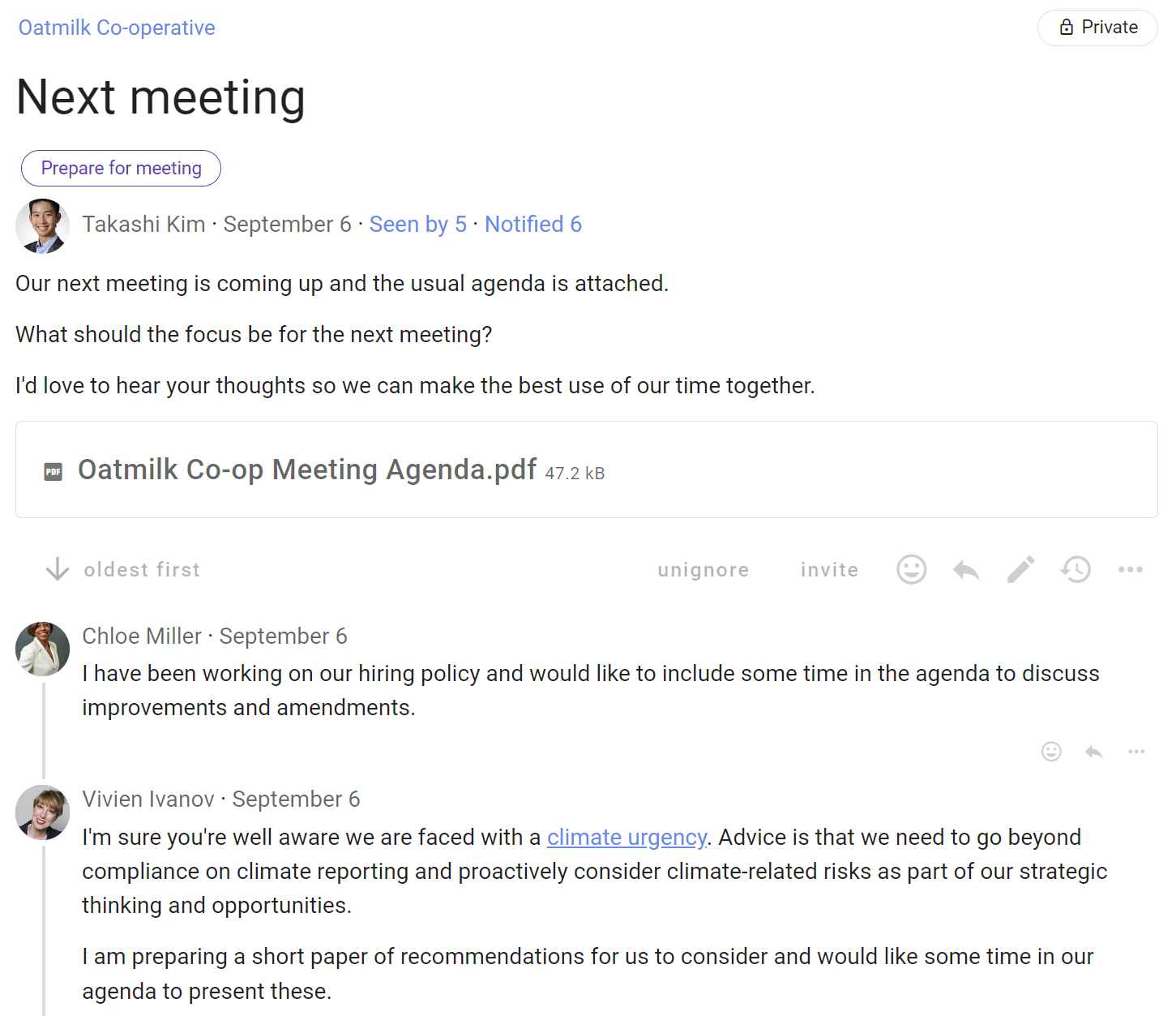
Step 1: Meeting focus
Ask where the focus should be for the next meeting.
We spend a lot of precious time in meetings and don’t always talk about the things that really matter.
Invite people to say what they think and co-create your agenda.
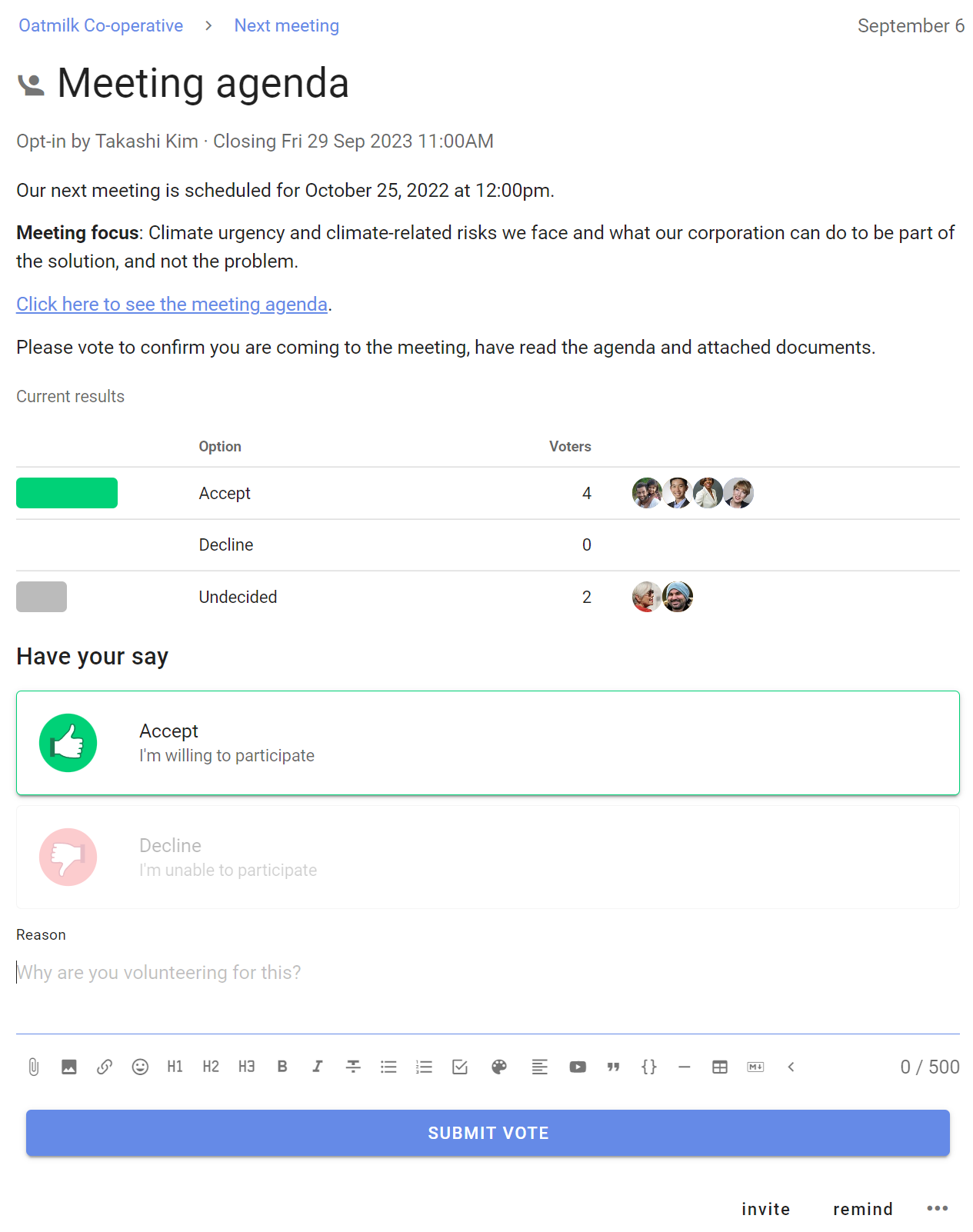
Step 2: Meeting agenda
Announce your next meeting with a clear agenda.
Include documents, links and any materials that will be discussed to help everyone prepare.
Invite people to respond with an Opt-in poll to confirm they have read the agenda and are ready for the meeting.
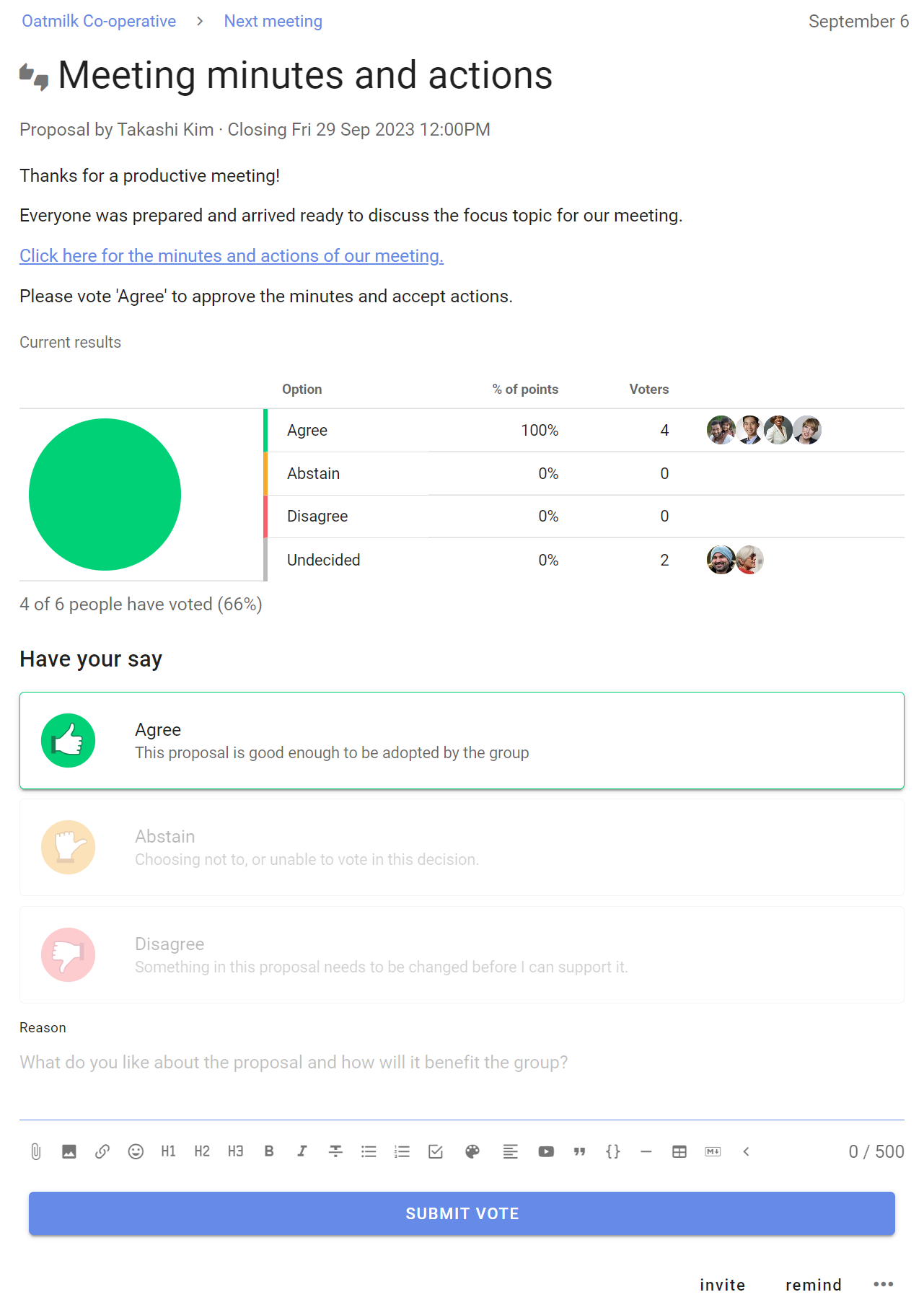
Step 3: Minutes and actions
Following the meeting, record the minutes and actions.
Use a Proposal poll to confirm everyone has read the minutes and accepted their actions.
This provides a clear record of the meeting and a reference for the future for further discussion.
Approve a document
Use Loomio to introduce, discuss and develop an important document, policy or agreement. Invite feedback and contributions from people, and integrate this with successive drafts until it is ready to be approved. Involving people in the creation of an important document insures a better outcome with less stress and anxiety.
Step 1: Introduce and discuss
Introduce the document purpose, along with any background information.
Stating the purpose of the document helps people stay focused.
Invite people to contribute information and their expertise, and use this to frame the document.
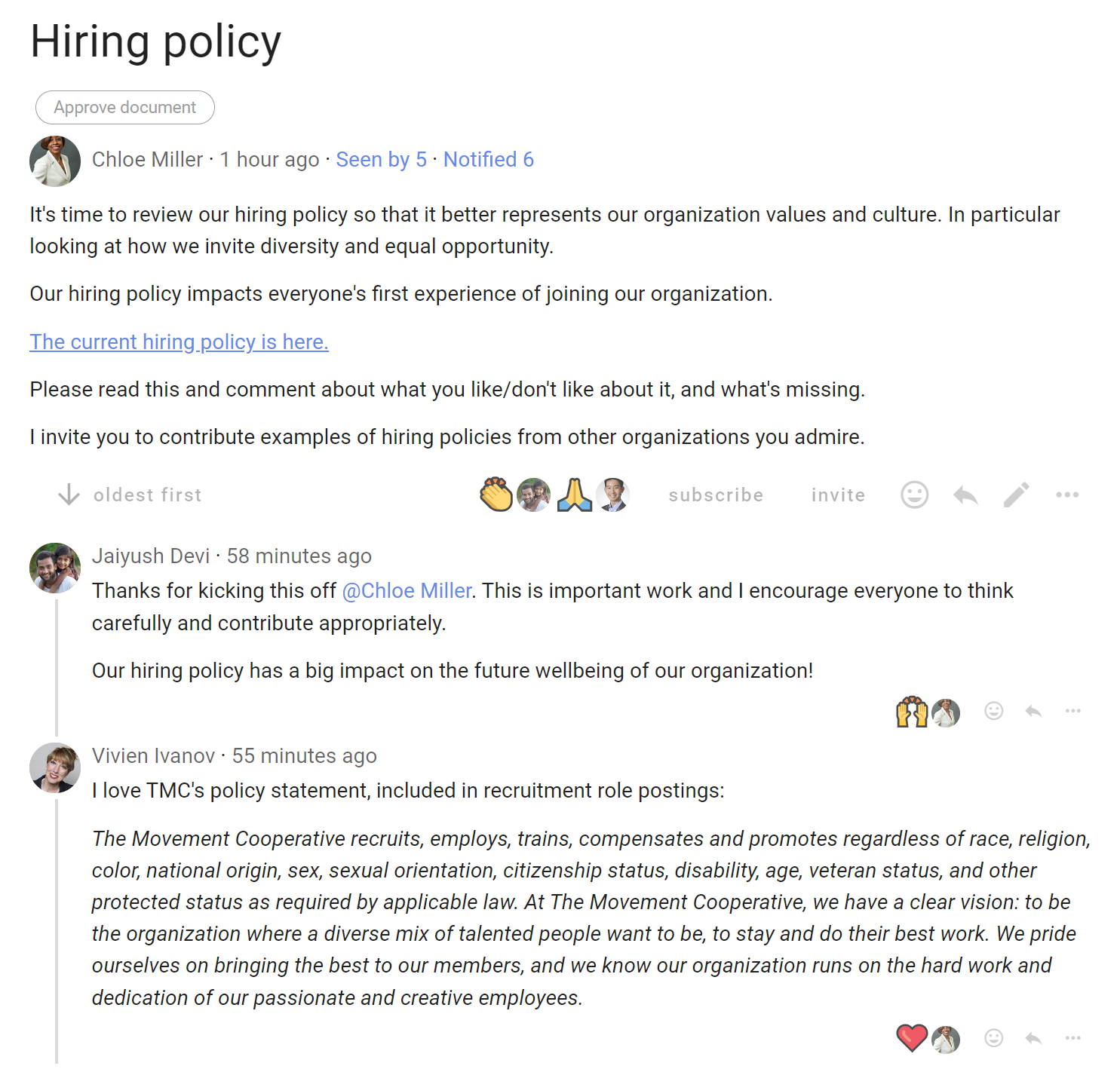
Step 2: Integrate feedback and contributions
Acknowledge and consider feedback and contributions from people.
Integrate contribution into a first draft of the document.
Invite people to a Sense check poll to survey opinions and clarify any issues with the draft.
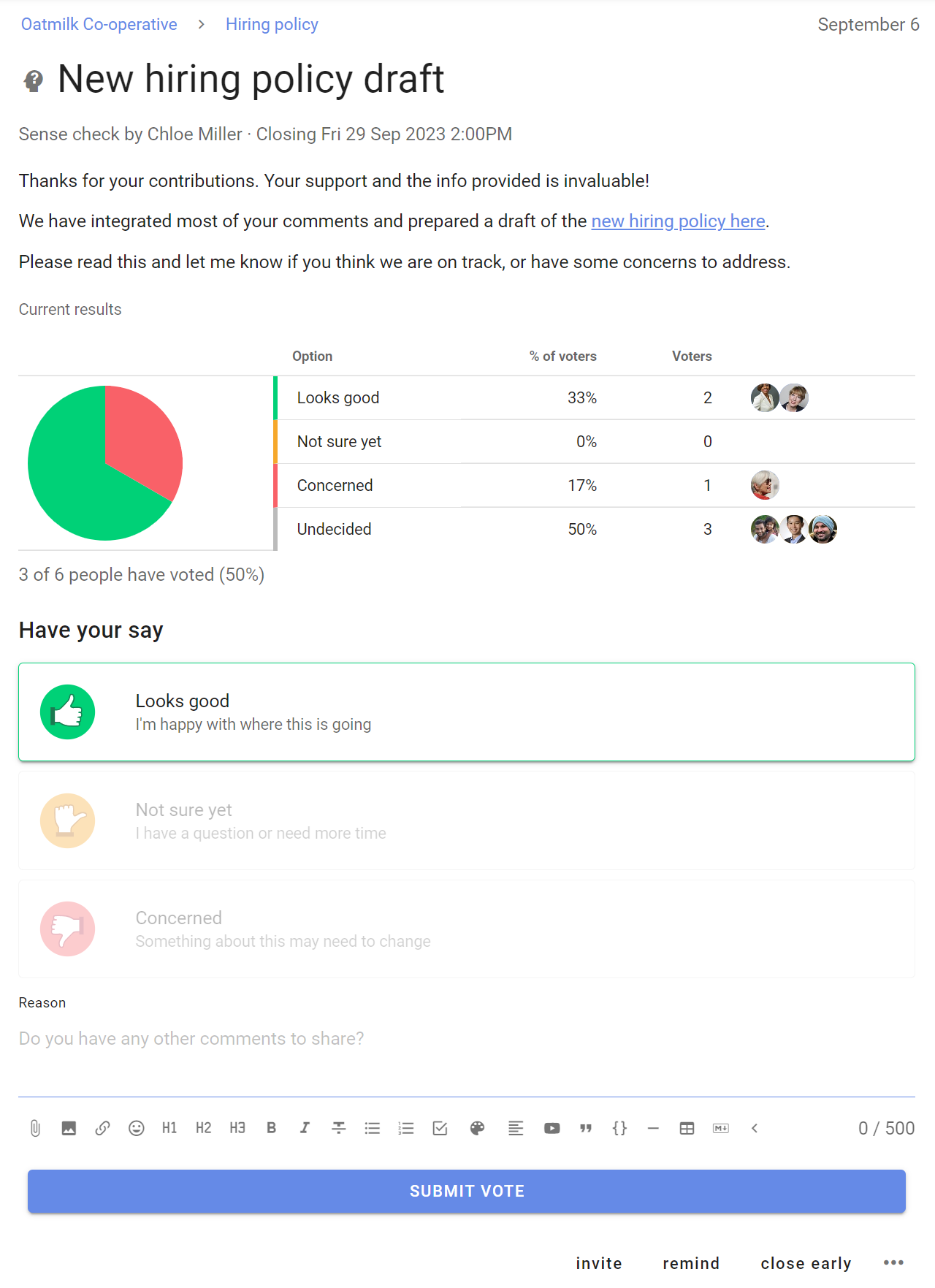
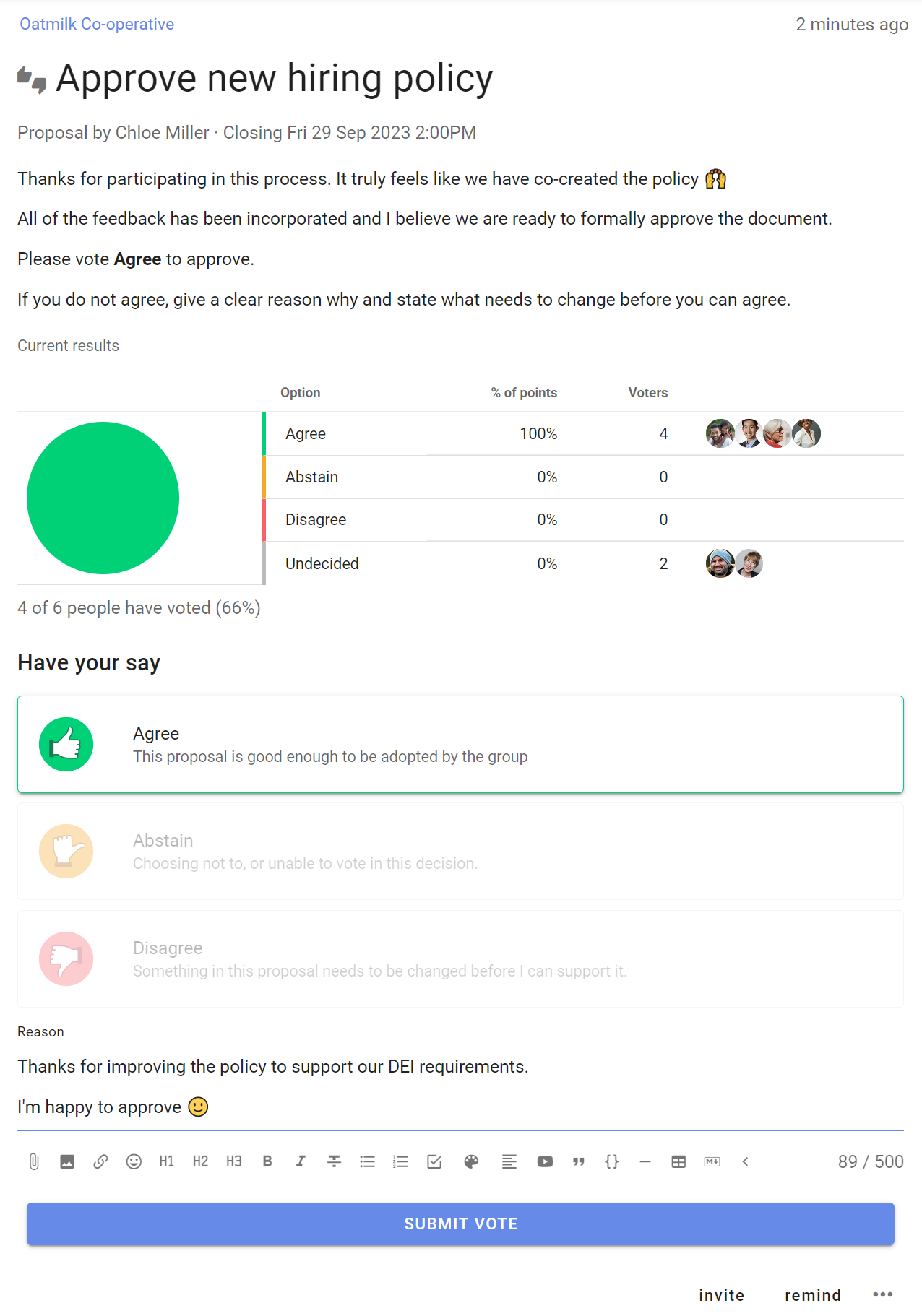
Step 3: Approve document
After people’s feedback is considered and incorporated into the document, proceed to approval or agreement.
Use a Proposal poll to make a decision to approve the document.
This provides a clear record of the decision made and a reference for the future for further discussion.
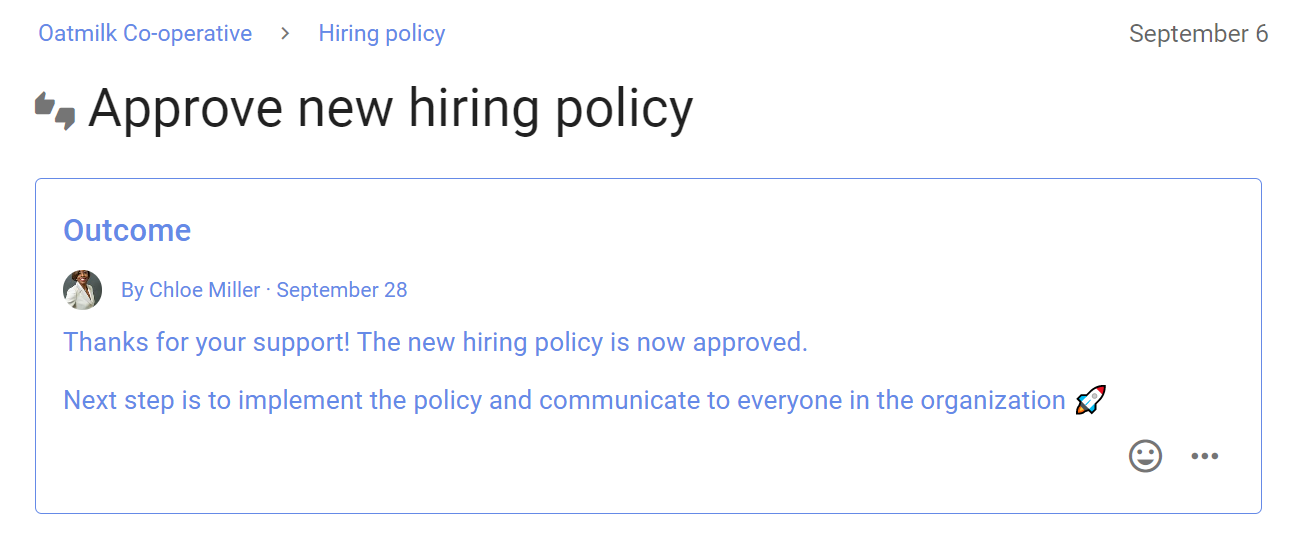
Outcome
When the poll closes, state an outcome.
Raise an issue
Is there an issue, problem or opportunity you want to raise with your group?
A Loomio thread is a great way to raise an issue at the moment you are thinking about it, or when following up from a meeting.
- Start the thread in your own time
- People respond in their time
- The thread builds a record of the discussion and any decisions
Tips for raising issues in Loomio:
- Describe the issue, attach or link to background information and ask for comments, ideas and help.
- Notify people you want to hear from.
- Shoulder-tap people with @mention to get their attention.
- Or don’t notify anyone - for nonurgent issues, just get a discussion started in your group without clogging people’s in-boxes.
Don’t wait until you have all the info to start a thread! Use the thread to invite people help you figure out a resolution to the issue.